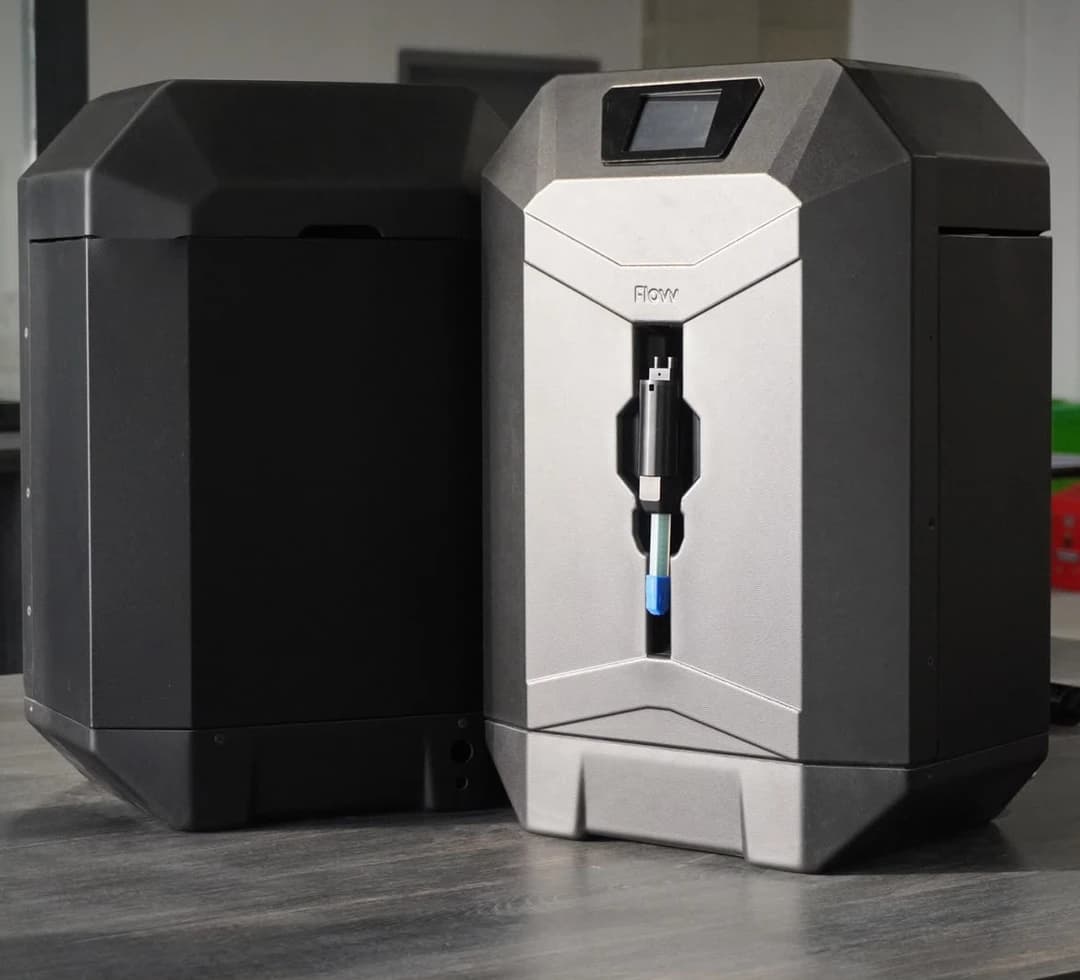
When we launched Flovv MoldLab, it turned a single part into a mold. Since then it has grown into something closer to a tooling workshop — four processes, five tool materials, and enough new behaviour that we wrote a full MoldLab guide to go with this update. Here is what changed, and the engineering thinking behind it.
It handles whole assemblies now
Upload a file with more than one solid and MoldLab used to quietly mold the biggest one. That is a fine default, but it hides a decision. Now, when a file carries two or more bodies, MoldLab stops and asks. You can mold the largest body, pick one specific body from the list, or choose mold all — which fans the file out into one job per body. Each body then gets its own mold, its own preview, and its own report, so a five-part assembly comes back as five molds and five reports rather than one lucky guess.
One honest caveat we built into the design: only GLB/GLTF files (and STEP, which we convert first) carry the structure needed to pre-scan bodies. A single-solid STL or OBJ builds straight through without the extra question.
Put the funnel where you want it
Every printed and silicone mold needs a pour funnel, and until now MoldLab decided where it went. Now you do, three ways: leave it on Auto, pick a spot from a compass in Mold settings — center, any edge, any corner, with millimeter fine-tuning — or choose Pick in 3D and click the exact spot on your part in an interactive viewer before the mold builds. If your spot would land the funnel off the cavity, MoldLab snaps to the nearest valid point and tells you it did. The same applies to silicone molds' sprue.
And the vents — before or after the build
Air-vent placement shipped too. In the same 3D picker you can switch to vents mode and click up to eight of your own — placed vents replace the automatic ones, and clicking a marker removes it. Better still, you don't have to decide before you've seen the mold: on a finished printed or silicone mold, Move funnel / vents in the 3D viewer lets you click a new funnel spot, re-vent, and rebuild. The rebuild generates a fresh mold with your placements (it counts like a new job), and anything MoldLab can't honor — a vent too close to the funnel, a click off the part — is snapped to the nearest valid spot or reported honestly rather than silently ignored.
Composite tooling goes meter-scale
The composite process grew too. MoldLab now builds tooling up to 5 m on the longest side — and it does it in the materials real large tooling is made from, not just printed plastic. Pick the tool's face material and MoldLab plans the build to match:
- XPS or EPS foam — the tool is sliced into billet-size slabs with alignment dowels, and you get a cavity contour DXF per slab to cut on a hot-wire, router, or CNC, then stack.
- PU-epoxy tooling board — machined and stacked the same way, with no styrene incompatibility.
- Machined aluminum — a solid tool with no slicing, and the highest heat headroom for elevated-cure prepreg work.
Foam and board tools are cut oversize by a coating allowance so the epoxy skim coat lands the finished surface exactly on net shape. Printed tooling still works past ~1.2 m, but instead of refusing it, MoldLab now builds it and warns you how many bed sections that means — foam, board, or CNC is usually the smarter route at that size.
Surface skins, not just solids
Composite parts are often modelled as open surfaces — an aircraft skin or a body panel with no thickness. MoldLab now accepts those directly: it stitches the surface patches together and thickens the skin on its back side, leaving the front tool face exactly as you drew it. You no longer have to solidify a panel by hand before you can tool it.
You can see the queue — and stop a job
A single worker builds jobs one at a time, which is honest but can look like a hang when you are waiting behind your own "mold all" siblings. So MoldLab now reports your place in line — "N jobs ahead of yours" — instead of a bare "queued". And you can cancel: a job still in the queue is skipped when its turn comes, and a job that is already building is stopped cleanly.
Two schedules, and numbers that admit where they came from
Composite jobs plan two separate things: the part laminate you will manufacture (process, resin, surface coat, and the ply stack) and the tool construction itself (face material, billets, cure limits). Keeping them distinct is what lets the estimates stay honest.
And they are estimates. A fabric's fibre-volume fraction sits in a band rather than at one exact value, so cured thickness comes back as a minimum, nominal, and maximum — collapsing to a single figure only when you feed in a manufacturer data sheet. Every number in the report carries its basis: a generic estimate, a manufacturer value, or a shop-calibrated one. These are planning aids, not structural certification, and MoldLab says so rather than dressing a guess up as a guarantee.
Run a part through it at Flovv MoldLab, and read the guide for the full detail on every process, material, and setting.